As an Amazon Associate, we earn from qualifying purchases. This article includes affiliate links – if you make a purchase through them, we may receive a commission at no extra cost to you.
Last updated: November 2026
Quick Answer
Top pick: UGREEN Revodok Pro USB C Hub
The UGREEN Revodok Pro USB C Hub, model 75027, is our top pick for the best usb c hub for laptop. It lists 8 ports, 4K@60Hz HDMI, 10Gbps data transfer and up to 85 watts pass-through charging, so it covers video, files and power in one adapter.
Best alternative: Anker Nano Usb C Hub – The Anker Nano is the better fit if you want two HDMI ports for a dual-monitor desk setup.
Key Takeaways
- The UGREEN 75027 lists 8 ports and 4K@60Hz HDMI
- The Anker Nano A210B lists two HDMI ports
- The UGREEN AMUH12H lists four 10Gbps data ports
- The Acer ODK360 is the lightest pick at 68 g
- The Anker A8346 lists an 18-month warranty
Best for
- Best Overall: UGREEN Revodok Pro USB C Hub – Laptops that need video, data and charging at once
- Best for Dual Monitors: Anker Nano Usb C Hub – Windows laptops driving two external screens
- Best for Fast File Transfers: UGREEN Revodok 10Gbps 4K 60Hz Usb C Hub – Moving large files between drives
- Best Lightweight Pick: Acer USB C Hub – Tossing in a bag for travel
- Best Simple Setup: Anker USB C Hub – Basic port expansion without extras
Table of Contents
- 1. UGREEN Revodok Pro USB C Hub – Best Overall
- 2. Anker Nano Usb C Hub – Best for Dual Monitors
- 3. UGREEN Revodok 10Gbps 4K 60Hz Usb C Hub – Best for Fast File Transfers
- 4. Acer USB C Hub – Best Lightweight Pick
- 5. Anker USB C Hub – Best Simple Setup
- How We Chose These Picks
- How to Choose the Right Usb C Hub for Laptop
- Who Should Skip This Category
- Final Verdict
- FAQs About Usb C Hubs for Laptop
- Sources
Shopping for the best usb c hub for laptop comes down to one question: which ports do you actually use? A hub with the wrong mix of HDMI, USB-A and card slots just adds clutter.
We compared five hubs on listed specs and features to help you match one to your desk or bag.
Our Top 5 Picks at a Glance

Warranty: 2 Year Manufacturer
Dimensions: 4.68 x 1.77 x 0.62 inches
Mfr Part Number: 75027

Dimensions: 7.87 x 4.13 x 0.79 inches
Mfr Part Number: A210B

Warranty: 2 Year Manufacturer
Mfr Part Number: AMUH12H

Warranty: 1 Year Manufacturer
Dimensions: 5.1 x 1.4 x 0.7 inches
Mfr Part Number: ODK360

Warranty: 18-month warranty
Dimensions: 8.27 x 2.13 x 0.59 inches
Mfr Part Number: A83460A2
1. UGREEN Revodok Pro USB C Hub – Best Overall
Right for: Laptops that need video, data and charging at once
Key specs (from the listing): Weight: 80 g · Warranty: 2 Year Manufacturer · Dimensions: 4.68 x 1.77 x 0.62 inches · Mfr Part Number: 75027 · Number Of Ports: 8
The UGREEN 75027 packs 8 ports into one adapter: 4K@60Hz HDMI, two USB-C and two USB-A data ports, 100 watts Power Delivery and SD/Micro SD card readers. Data moves at up to 10Gbps through the USB-C and USB-A ports.
The 30 cm cable gives you some slack on a desk, and the 2 Year Manufacturer warranty adds cover.
Pros
- 8 ports cover video, data and cards
- 4K@60Hz HDMI output for external screens
- 10Gbps transfers on USB-C and USB-A
- Up to 85 watts pass-through charging
- 2 Year Manufacturer warranty listed
Cons
- The 80 g body is heavier than the Acer ODK360
- 15 watts of the 100 watts PD input is reserved for hub operation
- Card readers sit on a fixed 30 cm cable
Skip it if: You want the lightest possible travel hub.
Check UGREEN Revodok Pro USB price
2. Anker Nano Usb C Hub – Best for Dual Monitors
Right for: Windows laptops driving two external screens
Key specs (from the listing): Weight: 0.11 kg · Dimensions: 7.87 x 4.13 x 0.79 inches · Mfr Part Number: A210B · Number Of Ports: 8
The Anker Nano A210B is built around two HDMI ports that support up to 4K@60Hz each, plus a 10Gbps USB-C data port, two 10Gbps USB-A ports and SD/TF 3.0 card slots rated up to 104 MB/s. Charging runs up to 85 watts from a 100 watts PD input. Dual 4K@60Hz needs a host USB-C port that supports DP 1.4 with DSC 3:1, according to the listing.
Pros
- Two HDMI ports for dual displays
- 10Gbps on every USB data port
- Up to 85 watts laptop charging
- SD and TF 3.0 card slots
- Works with USB4 and Thunderbolt hosts
Cons
- On macOS both external monitors mirror the same content
- A 100 watts PD charger and cable are not included
- Not compatible with Linux
Skip it if: You use a Mac and want two separate extended screens.
3. UGREEN Revodok 10Gbps 4K 60Hz Usb C Hub – Best for Fast File Transfers
Right for: Moving large files between drives
Key specs (from the listing): Weight: 180 g · Warranty: 2 Year Manufacturer · Mfr Part Number: AMUH12H · Number Of Ports: 6
The UGREEN Revodok 10Gbps 4K 60Hz hub, model AMUH12H, gives you four 10Gbps ports: two USB-C 3.2 Gen 2 and two USB-A 3.2 Gen 2. It also lists 4K@60Hz HDMI and a 100 watts PD port that passes up to 85 watts to your laptop. An indicator light shows the hub’s status, and the aluminium alloy body uses UGREEN’s 4-layer safety design.
Pros
- Four 10Gbps data ports
- 4K@60Hz HDMI output
- Up to 85 watts pass-through charging
- Aluminium alloy body with 4-layer safety features
- Indicator light shows operational status
Cons
- At 180 g it is the heaviest pick here
Skip it if: You need built-in card readers for camera files.
Check UGREEN Revodok 10Gbps 4K 60Hz price
4. Acer USB C Hub – Best Lightweight Pick
Right for: Tossing in a bag for travel
Key specs (from the listing): Weight: 68 g · Warranty: 1 Year Manufacturer · Dimensions: 5.1 x 1.4 x 0.7 inches · Mfr Part Number: ODK360 · Number Of Ports: 7
The Acer ODK360 is a 7-in-1 adapter at 68 g, the lightest hub on this list. It lists HDMI at 4K@30Hz, two USB 3.1 ports, a USB-C port, a Type-C PD charging port and both MicroSD and SD slots.
Data transfers run up to 5Gbps, and the aluminium housing is built for heat dissipation. The listing notes the HDMI port does not support 4K@60Hz or 2K@144Hz.
Pros
- 68 g aluminium body travels easily
- MicroSD and SD card slots built in
- Up to 100 watts PD charging input
- Two USB 3.1 ports at up to 5Gbps
- 1 Year Manufacturer warranty listed
Cons
- HDMI tops out at 4K@30Hz
- The USB ports support data only, not video or audio
- Samsung DeX Mode must be turned on for Galaxy tablets
Skip it if: You want 4K@60Hz video from the HDMI port.
5. Anker USB C Hub – Best Simple Setup
Right for: Basic port expansion without extras
Key specs (from the listing): Weight: 0.1 kg · Warranty: 18-month warranty · Dimensions: 8.27 x 2.13 x 0.59 inches · Mfr Part Number: A83460A2 · Number Of Ports: 7
The Anker A8346 keeps things simple: 4K HDMI, SD card connectivity, USB-A and USB-C data ports, and pass-through charging. It lists up to 85 watts of pass-through power and file transfers up to 5Gbps, with HDMI media display at up to 4K30Hz. An 18-month warranty is listed, and the hub works with Windows 10 and macOS.
Pros
- 7 ports in a slim adapter
- Up to 85 watts pass-through charging
- 5Gbps file transfers over USB
- HDMI output up to 4K30Hz
- 18-month warranty listed
Cons
- HDMI is limited to 4K30Hz
- Data ports run at 5Gbps, not 10Gbps
Skip it if: You need 10Gbps transfers or 4K@60Hz output.
How We Chose These Picks
We reviewed 16 non-sponsored listings from the Amazon search results for this keyword, then excluded sponsored listings and colour or size variants. The shortlist was compared on listed specs and features only, such as port count, HDMI resolution, data speed and charging watts. No hands-on testing was done, and prices change, so check the current price with the button.
Selection criteria
- Candidates: the non-sponsored Amazon search results for “best usb c hub for laptop”; sponsored listings and colour or size variants were left out.
- Compared on the listed specifications: Weight, Warranty, Dimensions, Mfr Part Number, Number Of Ports.
- Specifications come from the Amazon product listings, checked November 2026.
- No hands-on testing: this guide is based on listed specifications and features.
How to Choose the Right Usb C Hub for Laptop
- What is the best USB-C dock for laptops: List your daily devices, then match them to the hub’s ports
- How much HDMI resolution do you need: Check your monitor’s resolution before picking an HDMI spec
- Is it okay to use a USB hub on a laptop: Confirm your laptop supports DP Alt Mode and Power Delivery
What is the best USB-C dock for laptops?
The best dock for you matches your ports to your routine. Count the devices you plug in daily, then check the hub’s port list against them.
If you run two monitors, look for two HDMI ports like the Anker Nano A210B lists.
How much HDMI resolution do you need?
Match HDMI resolution to your monitor, not to the biggest number on the box. A 4K@60Hz port suits photo and video work, while 4K@30Hz is fine for documents and video calls. The Acer ODK360 lists 4K@30Hz, and the UGREEN 75027 lists 4K@60Hz.
Is it okay to use a USB hub on a laptop?
Yes, a hub is a normal way to add ports to a laptop with too few. Check that your laptop’s USB-C port supports DP Alt Mode for video and Power Delivery for charging, since the listings state these requirements. The Anker Nano A210B also needs DP 1.4 with DSC 3:1 for dual 4K@60Hz.
Who Should Skip This Category
- You only need one extra USB-A port
- Your laptop already has HDMI and card slots
- You want a full dock with its own power supply
Final Verdict
The UGREEN 75027 is our top pick for the best usb c hub for laptop, thanks to 8 ports, 4K@60Hz HDMI and 10Gbps data. It suits laptops that need video, files and charging from one adapter.
Best Overall: UGREEN Revodok Pro USB C Hub. It covers the widest mix of ports here, with 4K@60Hz HDMI, 10Gbps data and card readers in one adapter. That range makes it the easiest pick for most laptop setups.
Best for Dual Monitors: Anker Nano Usb C Hub. Two HDMI ports make this the pick for a dual-monitor desk, as long as your Windows laptop supports the required display standard.
Best for Fast File Transfers: UGREEN Revodok 10Gbps 4K 60Hz Usb C Hub. Four 10Gbps ports make short work of large files, and the aluminium body with an indicator light suits a fixed desk.
FAQs About Usb C Hubs for Laptop
Are USB-C hubs worth it?
Yes, if your laptop has too few ports for your devices. A hub adds HDMI, USB-A and card slots through one USB-C connection, and the listings here show pass-through charging up to 85 watts so you can keep the laptop powered.
Which USB-C charging hub is the best?
The UGREEN 75027 lists a 100 watts PD port that passes up to 85 watts to your laptop, and the Anker Nano A210B lists the same 85 watts from a 100 watts input. Both reserve 15 watts for hub operation.
Do I need 10Gbps ports on a usb c hub for laptop?
Only if you move large files often. The UGREEN AMUH12H lists four 10Gbps ports, while the Anker A8346 and Acer ODK360 list 5Gbps transfers, which is enough for everyday documents and photos.
Sources
- Acer USB C Hub, model ODK360: Amazon product listing (specifications and features, checked November 2026)
- Anker USB C Hub, model A8346: Amazon product listing (specifications and features, checked November 2026)
- UGREEN Revodok Pro USB C Hub, model 75027: Amazon product listing (specifications and features, checked November 2026)
- UGREEN Revodok 10Gbps 4K 60Hz Usb C Hub, model AMUH12H: Amazon product listing (specifications and features, checked November 2026)
- Anker Nano Usb C Hub, model A210B: Amazon product listing (specifications and features, checked November 2026)
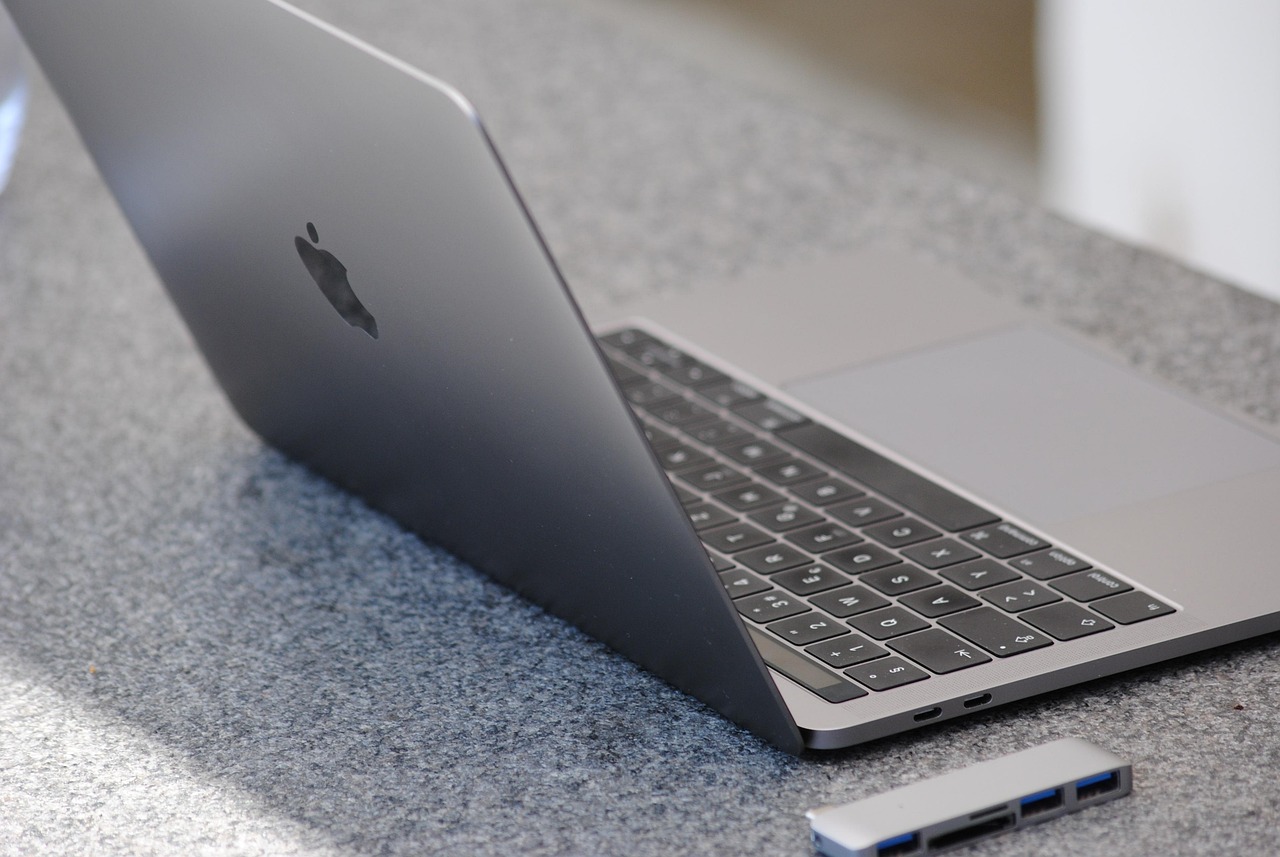
Featured image: Image by LYRL on Pixabay